Creating a class on Clascity is simple. Just follow these steps:
- Go to the “Create Class” page.
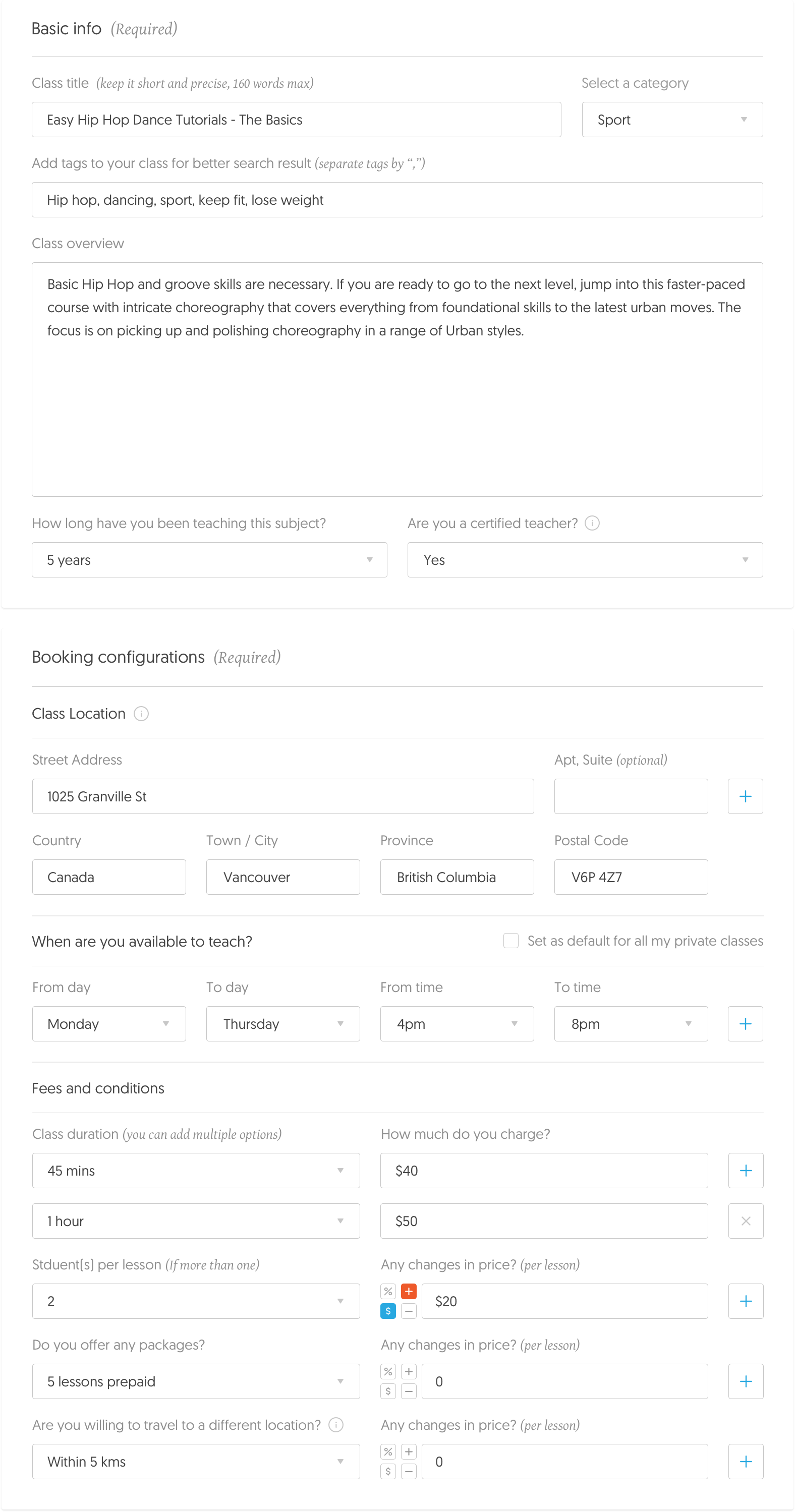
- Fill out the “Basic Info” section, including the class title, description, and category.
- Set up your booking options in the “Book Configurations” section, including the price, duration, and number of students per class.
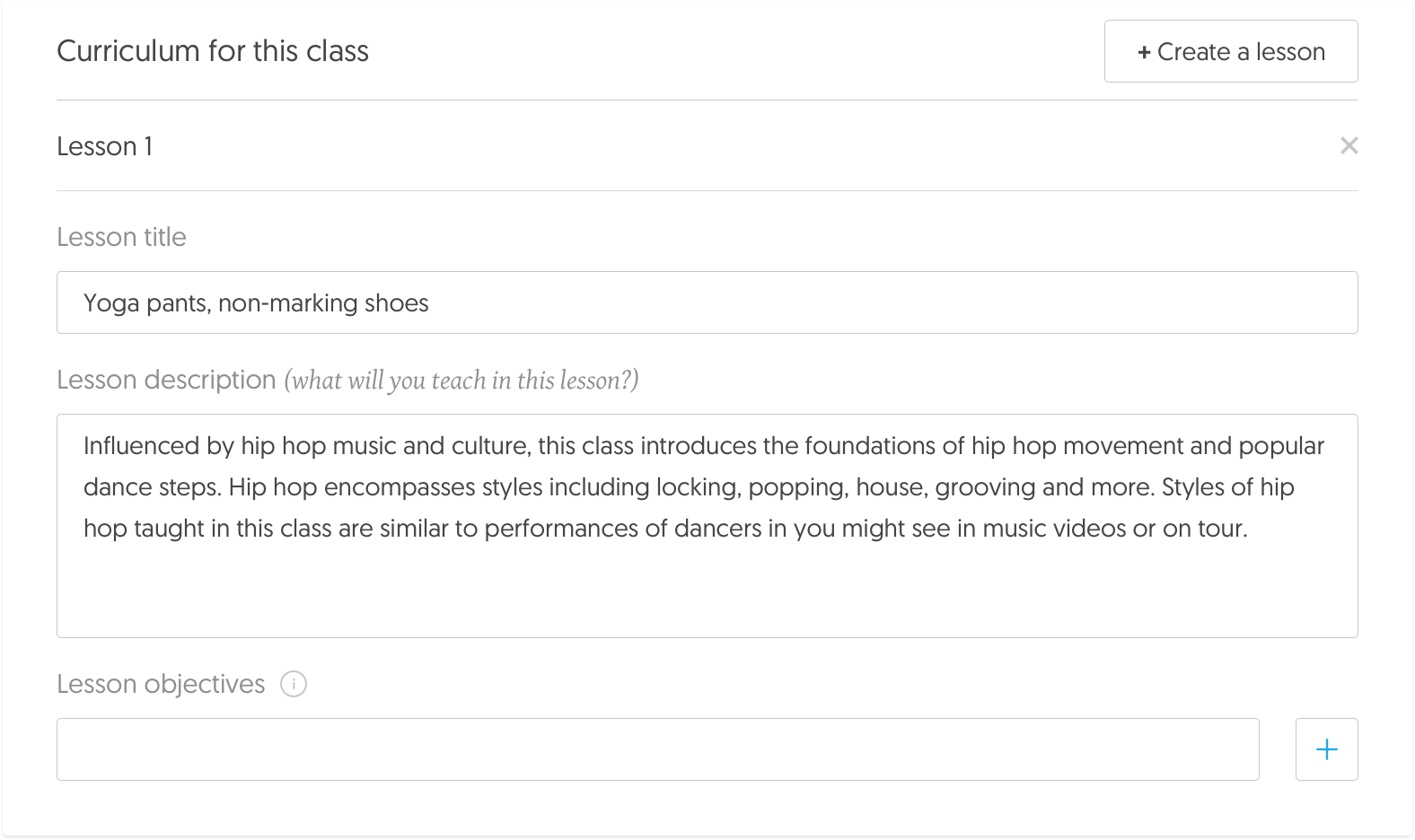
- Outline your curriculum in the “Curriculum” section. Include the topics you plan to cover, along with any materials or resources students will need.
- Add images to help students learn more about you and your class.
Once you’ve completed these sections, your class will be ready to go live. Be sure to keep your profile and class information up to date.